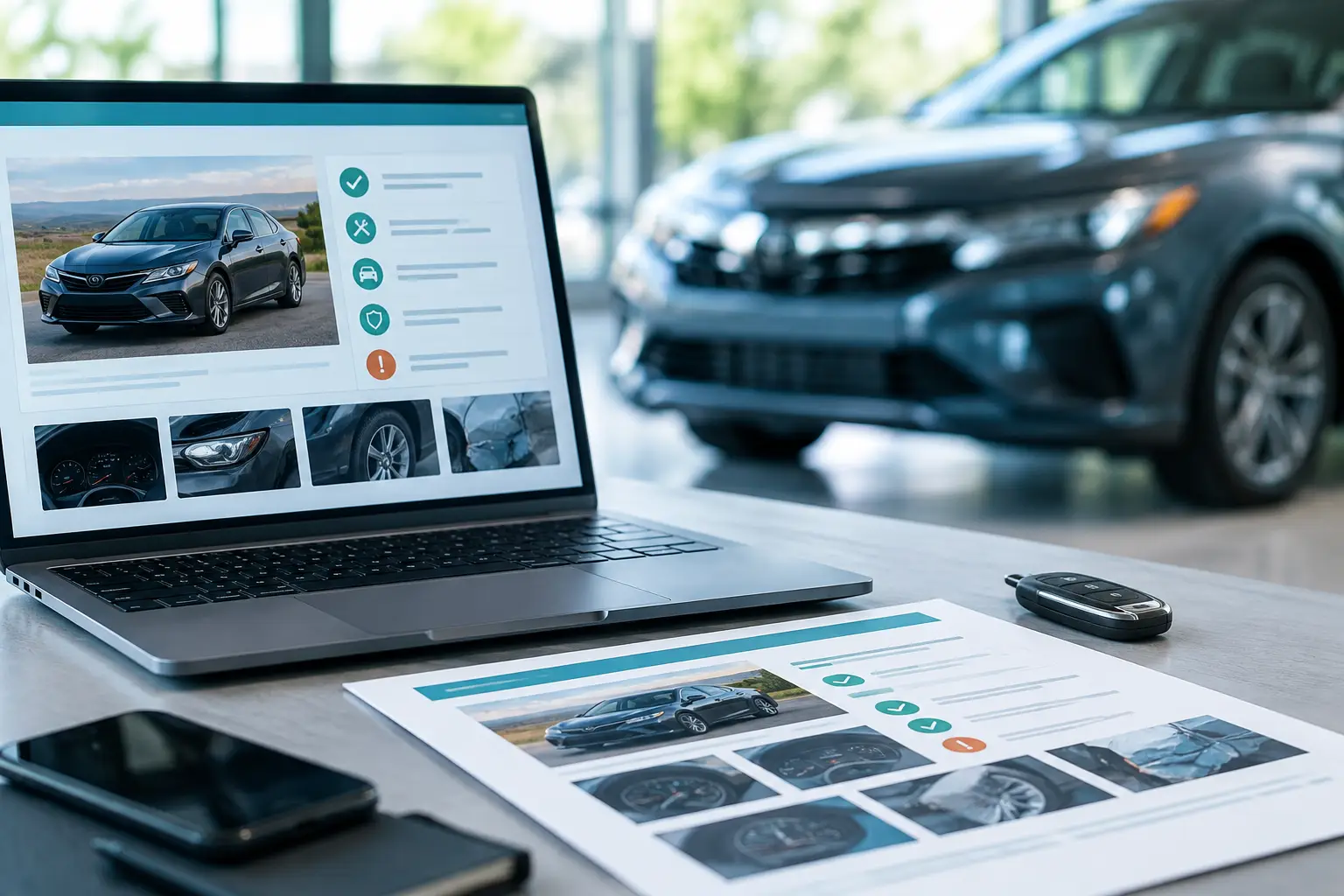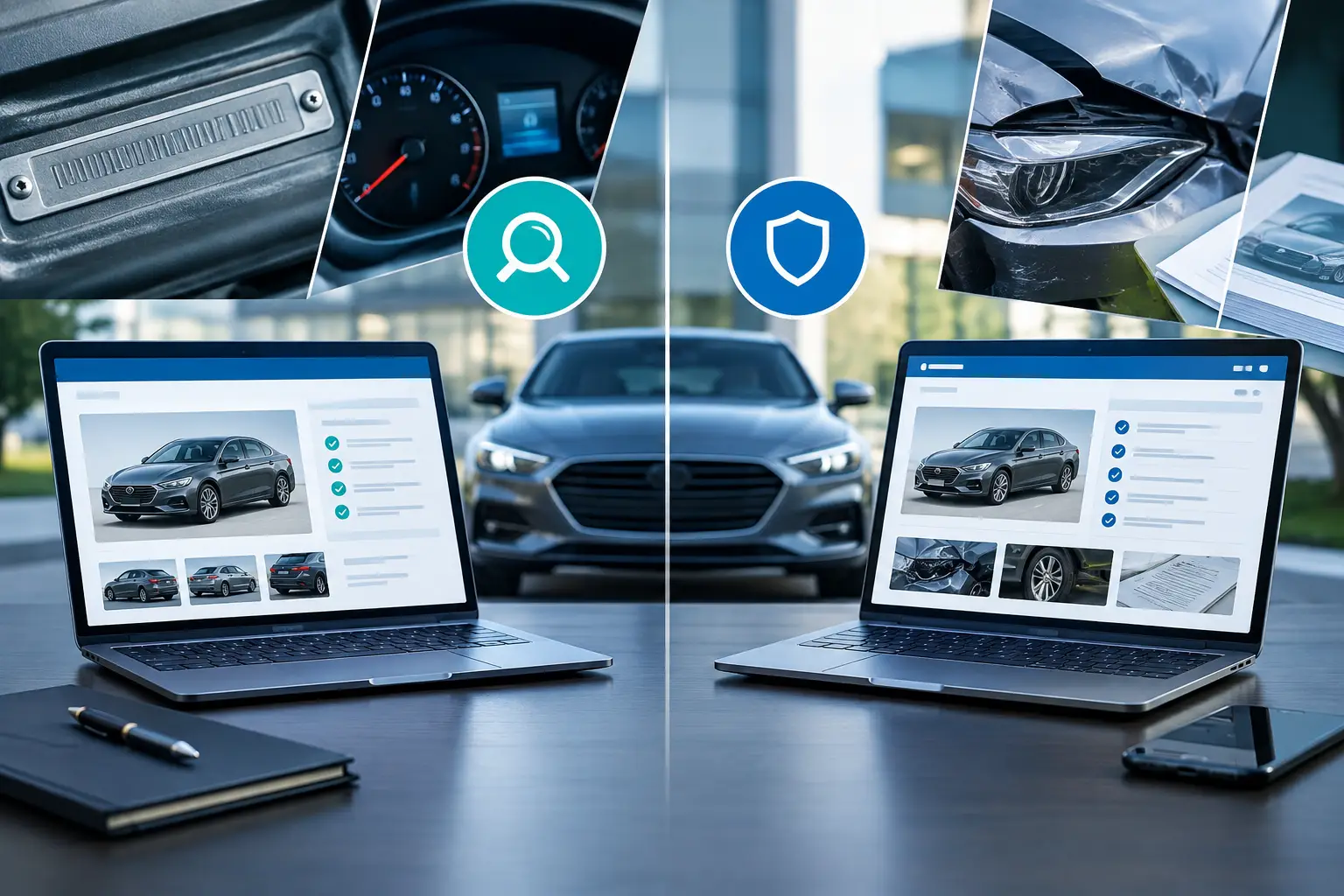
A seller says the car is clean. The photos look good. The price is just low enough to feel like a deal. This is exactly when knowing how to download vehicle history report records matters most, because the gap between a smart buy and an expensive mistake usually lives inside the VIN data.
A vehicle history report is not just a document to skim. It is a decision tool. If you are buying one car, reviewing auction inventory, or managing a fleet, the goal is the same: get the report quickly, save it in the right format, and read the parts that actually change the risk.
How to download vehicle history report the right way
The basic process is simple. You enter the VIN, generate the report, and download or export the file once the records are available. What changes is the quality of the source, the depth of the data, and whether the platform helps you interpret the results instead of dumping raw information on the screen.
Start with the full 17-character VIN. Pull it directly from the dashboard plate, driver-side door sticker, title paperwork, or insurance card. If one character is wrong, the report may fail or return data for the wrong vehicle. That sounds obvious, but VIN entry mistakes happen all the time, especially with letters and numbers that look similar.
Once you have the VIN, use a platform that verifies records from multiple data sources and clearly shows what is free versus what requires payment. Some tools offer limited lookups for vehicle specs, trims, or recalls, then charge for a full history report. That can still be useful if you want a quick first pass before paying for deeper records.
After the report is generated, look for a direct download option such as PDF, printable view, or export. If you are comparing several vehicles, a dashboard-based system is usually faster than opening separate reports one by one. That workflow matters for dealers, auction buyers, and anyone screening multiple listings in a short window.
What you need before you download a report
The VIN is the key input, but it should not be the only thing you verify. Match the VIN to the year, make, model, and trim shown in the listing. If the vehicle description and VIN decode do not line up, stop there. That mismatch can signal a simple listing error, or it can point to something worse.
You should also know what kind of report you need. A buyer looking at one used SUV may only need a single premium report. A dealership team may need side-by-side comparisons, export tools, and a way to store records for later review. A fleet manager may care more about title brands, open recalls, service patterns, and odometer consistency across multiple units.
Payment setup matters too. Some platforms require account creation before download. Others let you run the VIN first and pay only if you want the full file. If speed matters, create your account before you begin so you are not entering billing information while someone else is making an offer on the same vehicle.
Where people get stuck when downloading vehicle reports
Most problems are not technical. They are judgment problems.
One common mistake is assuming every report covers the same databases. They do not. Coverage varies. Some reports are stronger on title and branding records. Others are better at pulling damage events, theft activity, ownership history, or valuation data. If the report looks thin, that does not always mean the vehicle is clean. It may mean the source is limited.
Another issue is downloading too early and reviewing too late. Buyers often save the file, promise themselves they will read it later, and then emotionally commit to the car before checking the hard facts. Download the report when you are still willing to walk away.
There is also the screenshot trap. A seller may send cropped images from a prior report instead of giving you enough information to verify the current vehicle yourself. Screenshots are not a substitute for downloading the report from a trusted source. You want the full record, the date it was generated, and a clean way to save or export it for your own files.
What to check after you download the vehicle history report
Downloading is the easy part. Reading it well is where money is saved.
Start with title status. Clean title does not automatically mean clean history, but salvage, rebuilt, junk, lemon, flood, or other brand labels can change value, insurability, and resale potential immediately. If a title brand appears, you need to understand when it was issued and whether the seller disclosed it.
Then check accident and damage records. Not every damage event carries the same weight. A minor cosmetic claim is different from structural damage, airbag deployment, or repeated collision history. Pay attention to dates, severity, and whether there is a pattern. Multiple incidents over a short period can signal harder use or poor repair quality.
Ownership history also matters, but context matters more. A one-owner car is not always better than a three-owner car. What you want to see is reasonable transfer timing, no strange gaps, and location history that supports the seller's story. If the vehicle moved through several states quickly, especially around damage or title events, ask more questions.
Odometer records deserve a close look. You are not just checking the current reading. You are looking for consistency over time. Rollbacks, clerical errors, or unexplained jumps can all affect value and trust. If service or inspection entries show mileage patterns that do not make sense, treat that as a serious warning.
Finally, look at open recalls, theft records, and market value indicators. These may not kill the deal, but they affect timing, cost, and negotiating leverage. A report that bundles these records into one view is more useful than forcing you to chase each one separately.
How to download vehicle history report files for one car versus many
If you are shopping for one personal vehicle, the best workflow is narrow and disciplined. Shortlist the cars that pass your basic filters, run the VIN, download the report, and save the file with a clear naming format such as year-make-model-VIN-date. That makes it easier to revisit later if you test-drive more than one option.
If you are handling multiple vehicles, the workflow should change. Downloading one PDF at a time becomes slow fast. This is where a dashboard with saved VINs, compare tools, sorting, and export controls makes a real difference. Instead of reviewing disconnected reports, you can rank vehicles by risk, compare title issues side by side, and export records for your team or customers.
That is one reason platforms like DriveEvidence appeal to both retail buyers and inventory-focused users. Verified records matter, but speed matters too. A score-based layer can help you prioritize which vehicles deserve a deeper review first, especially when you are screening more than a handful.
When a free lookup is enough and when it is not
A free VIN check can be useful at the top of the funnel. It can confirm basic specs, trim details, and in some cases recalls. That is enough to eliminate listings with obvious mismatches or save time on vehicles that do not fit your needs.
But free lookups usually stop short of the records that carry the most financial risk. Title brands, theft and recovery events, ownership history, accident records, and odometer verification are where bad deals tend to hide. If you are serious about a purchase, free data is a filter, not a final answer.
The trade-off is simple. Free gets you speed. Paid gets you proof. If the car is worth thousands of dollars, the report should not be the part of the process where you cut corners.
A cleaner way to save and use the report
Once downloaded, keep the report where you can actually use it. Save the original file, not just a browser tab. Rename it clearly. If you are comparing vehicles, store them in one folder and note the asking price and seller name next to each file. This sounds basic, but organized records make negotiations sharper and help you avoid mixing up similar vehicles.
If you are a dealer or team buyer, export consistency matters even more. Use a standard format for internal review and customer presentation. The easier it is to sort, compare, and retrieve reports, the faster your decisions become.
A vehicle history report should reduce uncertainty, not create more admin work. Download it early, verify the records that affect risk, and treat any gap between the seller's story and the documented history as a reason to slow down. The right car can wait a few more minutes for proof.